Introducing Microsoft 365 Business with Copilot: The new standard for small business

Small businesses run on people making things work. A customer email answered at 9 pm. A spreadsheet that became the source of truth because it’s the only thing everyone can access. Many business owners are under constant pressure to do more with limited time and people, so technology that promises to take work off their plate gets attention.
But AI usually arrives at a small business with a tax attached: another tool to learn, another system to connect, another place where work can get lost. The hard part has never been what the technology can do. The hard part is fitting it into the processes that already keep the business running.
The test is whether AI removes things from the owner’s head, or adds them.
On July 1, we’re introducing new Microsoft 365 SKUs with Copilot built-in, designed to fit into the way small businesses already work. Microsoft 365 Business Standard with Copilot and Microsoft 365 Business Premium with Copilot offer world-class productivity apps, AI that’s built for work, and the security to help protect your employees, data, and IP.
Here’s what that really means.
AI that’s built in, not bolted on
With Microsoft 365 Business, you work in the same world-class tools that hundreds of users around the world rely on everyday—like Word, Excel, PowerPoint, and Outlook. Because Copilot is built directly into these apps, it immediately changes how work gets done.
This looks like a proposal that goes out the same day instead of three days later, and an invoice that gets sent before the job is forgotten. A customer question that gets answered while the customer is still on the line. A vendor email that gets a real reply, not a “let me get back to you.”

AI that knows your business
What sets Copilot apart is how it understands your business and connects to the tools you already use. Work IQ helps bring together what your team is working on across Microsoft 365, so Copilot understands your projects, deadlines, and decisions, not just the file in front of you.
But that context doesn’t stop at Microsoft 365. Many AI tools work in isolation. Copilot connects to the systems your business already runs on—your customer resource management (CRM), finance backend, marketing platform, and more—so the context it has extends to all the data that is critical to your business. And those integrations go far beyond a few prebuilt options.
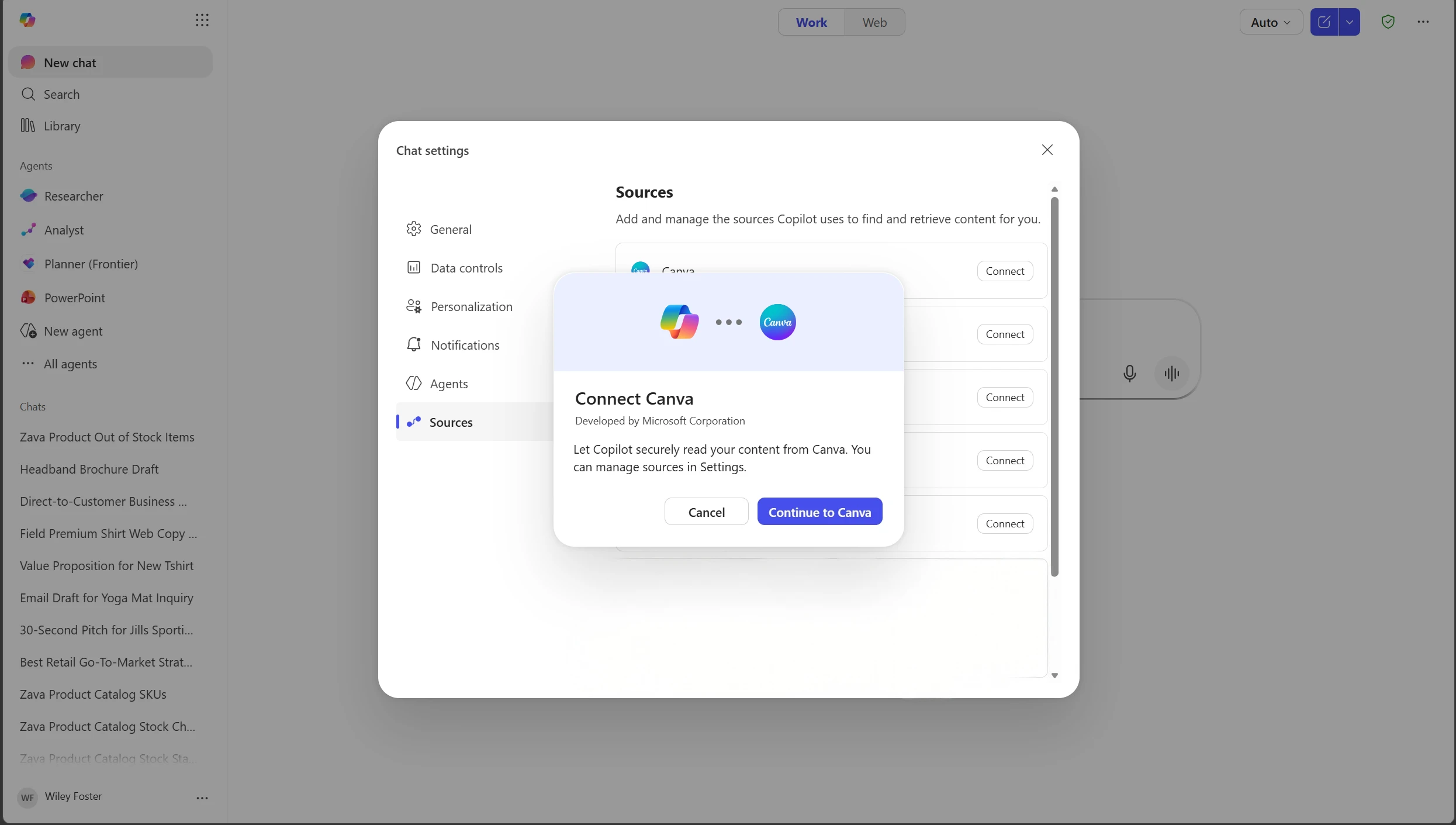
With more than 1,000 connectors across apps like Shopify, PayPal, Xero, Docusign, Asana, and more, functional tasks and workflows across your business can be automated within Copilot. Check website traffic trends in WordPress, follow up on the status of your project in monday.com, review an unresolved ticket in Jira, build follow-up materials in Canva, and update a leave status in BambooHR.
All without switching apps, duplicating work, or manually moving data between systems. Just work getting completed, end-to-end.
And because no single model is best at every job, Copilot gives you direct access to the leading models on the market from OpenAI and Anthropic, and the freedom to pick the right one for the task. We integrate the latest models into one unified system and keep them current for you, so staying up to date with the best tech doesn’t have to mean chasing new subscriptions and switching workflows.

Adopting AI while keeping your business secure
The biggest threat to a small business’s most sensitive information often isn’t a hacker on the outside, it’s an honest mistake on the inside. An employee forwards a customer list to a personal email to work on at home. A draft contract sits in a folder that’s open to the whole company. Once that information leaves your walls, you can’t get it back.
Microsoft 365 gives you the controls to help ensure your data only goes where you want it to go. Mark sensitive files—financials, customer lists, contracts, employee records—as confidential, and Microsoft enforces that label everywhere the file goes. It can’t be forwarded outside your company, copied to a personal account, or printed if you don’t want it to be. And if someone shares a document by mistake, you can pull access back, even after it’s been downloaded.1

This matters even more in the age of AI. Consumer-grade AI tools provide consumer-grade protection. Copilot works within the security boundary you have already set. Because everything is integrated, Copilot only sees what it is allowed to see. So a salesperson asking Copilot about pipeline doesn’t accidentally pull payroll, and a contractor can’t surface customer records they were never supposed to access. Turning on AI doesn’t quietly open up everything to everyone, your guardrails stay intact, and your IP stays safe.
One system. Built for your business
On July 1, Microsoft 365 Business Standard with Copilot and Microsoft 365 Business Premium with Copilot bring everything together—your apps, your AI, and your security—in one place, working as one.
Not more to manage. Just more getting done.

1 Some capabilities may require the purchase of additional products.
Dit artikel is afkomstig van Microsoft 365 Blog.
Lees het volledige artikelTags
Gerelateerde artikelen

Introducing the new Copilot with Home, Code and Autopilot
We’re reimagining Microsoft Copilot to enable work as it evolves and to help expand what every individual and every organization can accomplish in the flow of human ambition. Today we’re introducing the new Copilot to connect the tools people rely on with the next generation of capabilities they’ll....

Building the system for AI at work
To our customers, There’s no shortage of sound and fury in AI right now. New models, record benchmarks, louder claims every week. But underneath the noise, something real has happened: AI can now do genuine, economically valuable work. The big question for you today is how to put it to work safely,....

Introducing Microsoft 365 G7: Intelligence + Trust for the mission ahead
The next evolution of Microsoft 365 for government brings productivity, AI, agents, security, identity, compliance, and governance together for organizations operating in Government Community Cloud (GCC) environments. Across government, leaders are being asked to modernize services, address evolving...